Delete Account Instructions
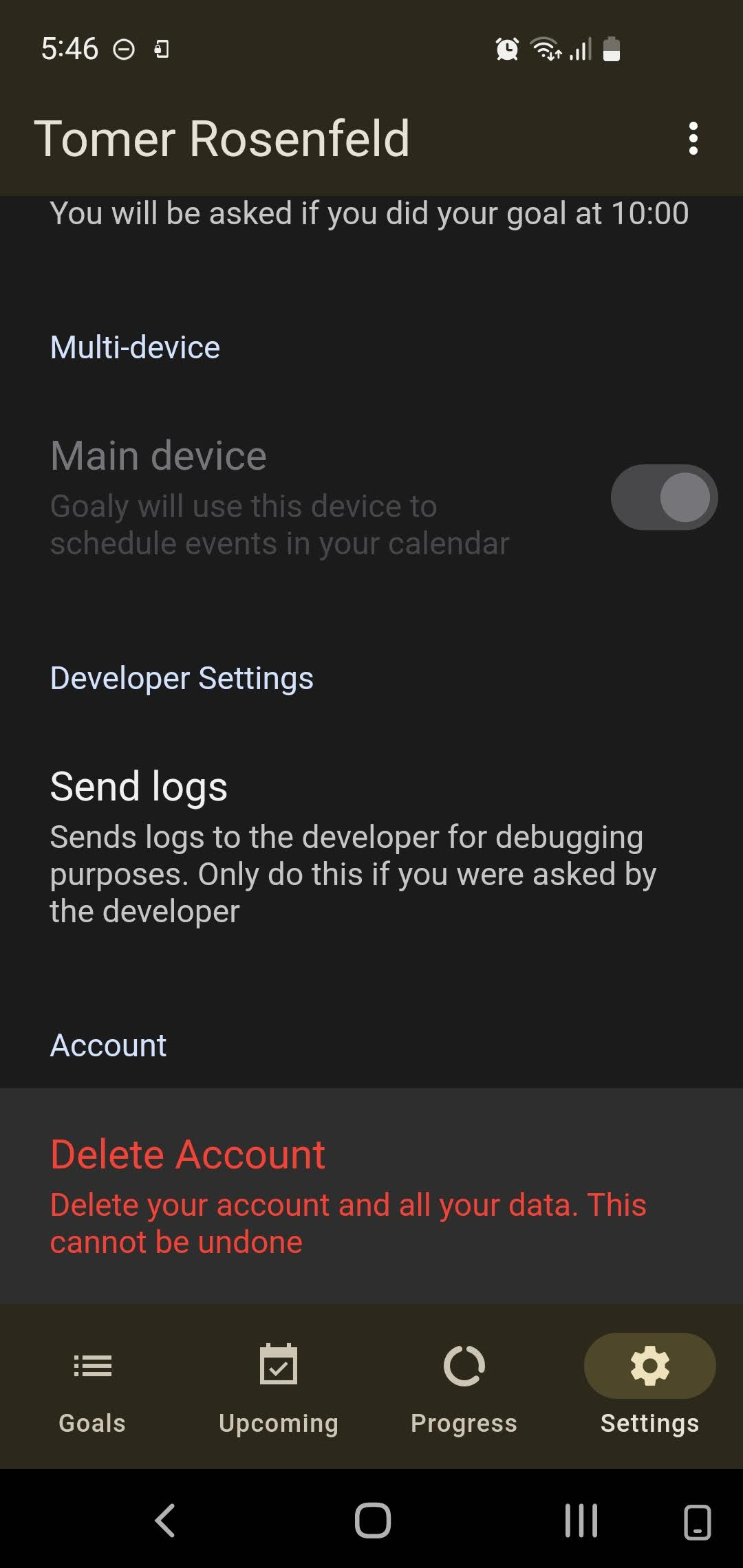
To delete your account on the Goaly app, please follow these steps:
- Open the app and log into your account.
- Tap on the settings icon located at the bottom right corner of the screen.
- Scroll down and find the "Delete Account" option.
- Tap on the "Delete Account" option and confirm the deletion when prompted.